

How to Find Freelance Missions in France: 5 Channels 2026
How to find freelance missions in IT? Five channels that work, a day-rate calculation and how wage portage can secure your next client without extra paperwork.
Blog
Wage portage and simulation
Explore how it works and estimate your net income in a few clicks.
Pick a tool: it opens in a new tab with a prompt ready to summarize this page.
Key takeaways:
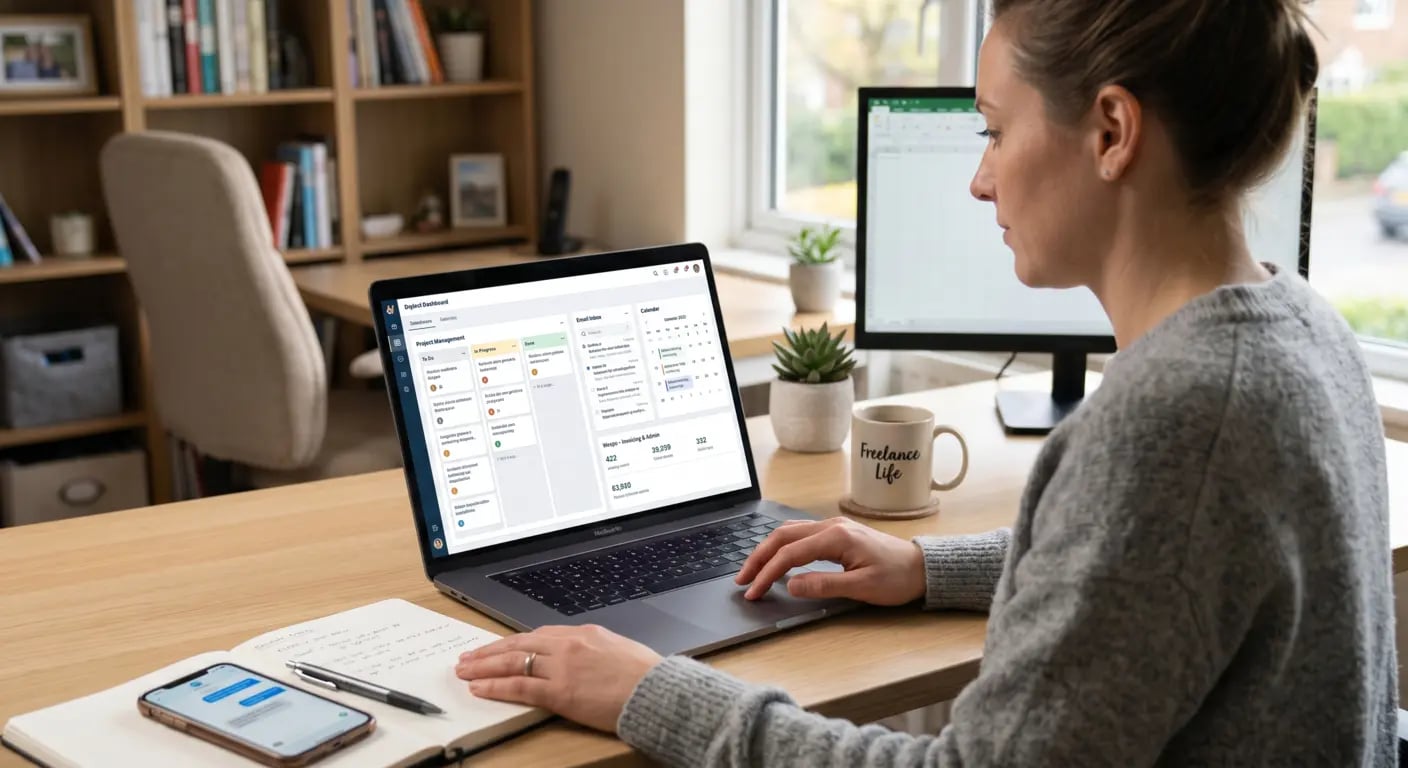
Are you looking for a digital workplace tool for your freelance daily life? As an independent worker, you wear many hats to manage your business. Being organized is essential, and that’s where a digital workplace comes in. That’s why Weepo has put together an overview of the main digital workplace solutions to help you boost your productivity as a freelancer.
A digital workplace is a digital work environment that integrates various tools within a single service, such as:
A digital workplace can be accessible via a website, a mobile app, or desktop app from any web browser. It centralizes all your documents, invoices, interactions with partners, and maximizes your productivity as a freelancer.
💡 Good to know: a digital workplace available in SaaS lets you access your services whether from PC, tablet, or smartphone.
OnlyOffice connects with many services and allows you to manage your entire business. Its offering includes basic services such as email management, your calendar, file storage/sharing, and, as a bonus, lets you create emailing campaigns, use a CRM for your client relations, and an estimate/invoice editing module. With OnlyOffice, you can benefit from a free version for freelancers and startups or a custom solution on quotation.
Infomaniak is a Swiss hosting provider founded in 1990 which gradually launched its first storage services in 2020. Today they offer a complete solution to manage your freelance activity that includes:
The standard version is offered from €1.58 per user/month up to €12.42 per user/month for the “large business” version.
It is one of the best-known workspaces and gives access to a complete suite of collaborative tools:
| Tool | Usage |
| Gmail | Create a custom professional email address and manage a secure mailbox |
| Google Drive | Store up to 2 TB of data and share documents with your clients |
| Google Calendar | Schedule and share meetings (prospects, clients, etc.) |
| Google Meet | Organize videoconferences and remote meetings |
The price for small businesses starts at €11.50 per user/month.
Recognized as a must-have digital workspace, Microsoft 365 lets you work with partners using a complete suite of proprietary tools. Among its solutions, it offers a special deal for small and medium businesses designed for managing communication with your clients, building your visual identity, and protecting your confidential data. Typically, Microsoft 365 plans include the following tools:
You can choose from different plans depending on your needs, starting with the Business Basic offer at €5.20 excl. VAT/month.
💡 Good to know: Microsoft 365 also includes a solution for individual users, which is perfectly suitable for freelancers starting out.
While tools like Google Workspace or Microsoft 365 help structure your freelance organization, some solutions go even further by centralizing your entire activity. This is the case of Weepo, an umbrella company offering a 100% digitized platform designed to simplify consultants' daily life. Accessible via a personal area, this all-in-one tool enables you to easily manage all your projects:
Thanks to the dematerialization of documents, you avoid time-consuming exchanges with administrative teams and benefit from a true centralized digital workplace, combining autonomy, time savings, and security. A solution particularly suited to freelancers wishing to focus on their core business while enjoying the benefits of employee status.
| Digital workplace | Main Function | For which type of freelancer? |
| OnlyOffice | Centralize activity management (docs, CRM, emailing, invoicing) | Versatile freelancers looking for an all-in-one customizable tool |
| Infomaniak | Host and secure your entire work environment (email, storage, videoconferencing) | Freelancers sensitive to data sovereignty and security |
| Google Workspace | Easily collaborate and share documents in real-time | Freelancers working in teams or with many clients |
| Microsoft 365 | Produce, communicate, and manage professional documents with advanced tools | Freelancers with demanding and corporate office tool needs |
| Weepo | Manage all your freelance activity in wage portage (contracts, invoicing, payroll, CRM) | Freelancers in wage portage seeking autonomy and security |
You now have an overview of the digital workplace tools for freelancers. Here’s a quick recap:
Additionally, check out our comparative guide on project management tools.
Author

Responsable Marketing & Communication chez Weepo, je suis passionnée par l'animation du réseau et l'accompagnement de nos consultants. J'organise des événements parisiens et accompagne nos équipes régionales pour créer des moments d'échange enrichissants dans l'écosystème du portage salarial.
More
How to find freelance missions in IT? Five channels that work, a day-rate calculation and how wage portage can secure your next client without extra paperwork.

Freelance definition in plain words, status options, the 2026 cap of €83,600 and income: see what a freelancer is, then compare micro-entreprise and portage.

Freelance statistics France 2026: number of self-employed, average income, caps and median daily rate from the WEEPO Barometer. Compare with yours.